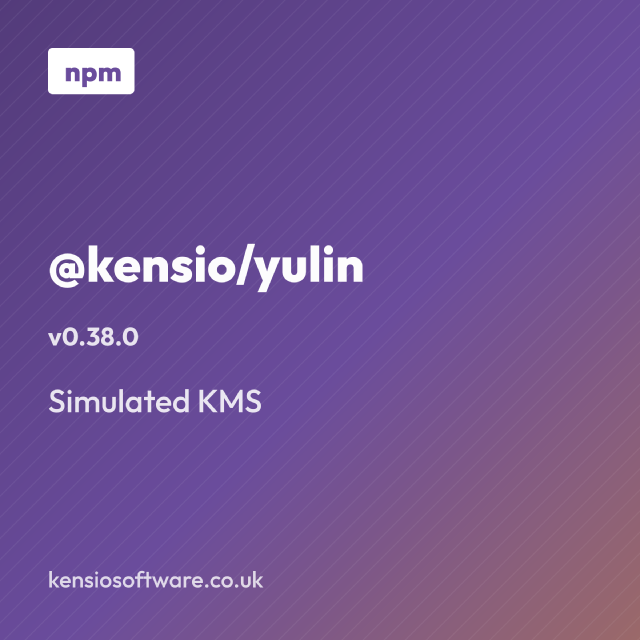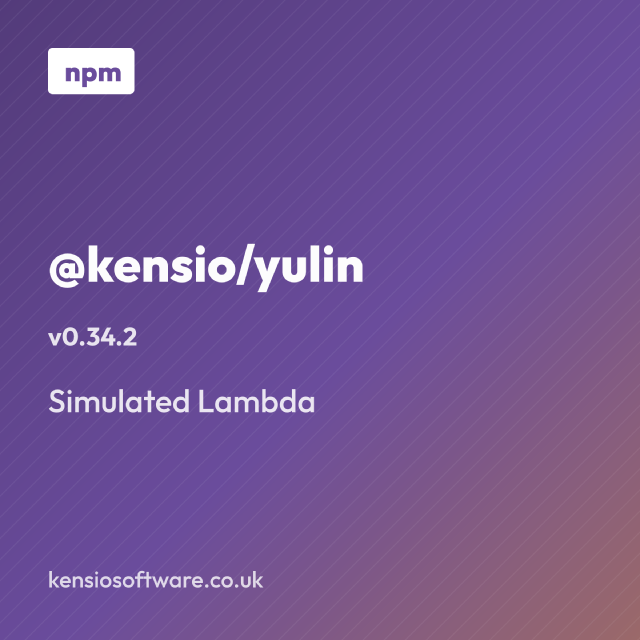
The @kensio/colophon package generates the social meta images for the posts of a static website, driven by each post’s own frontmatter.
Every post wants an og:image and a twitter:image, because that is what a link to it looks like
when someone shares it. Making those by hand is quite a lot of extra work per post, and the posts
that don’t get it end up as blank grey rectangles in the preview.
The usual answer is a script in the site repository. That works, but the layout, the fonts and the colours end up welded to the one site it was written for, and the next site starts again from nothing.
Colophon takes the description of the image from the post and the branding from configuration, so the same package can generate images for sites with different branding. The package name comes from the printer’s colophon, which is an emblem a publisher stamps on a finished work.
The image is described in the post
A post declares what its image should look like, including the image template:
---
title: "@kensio/yulin v0.34.2 adds simulated IAM"
slug: npm-kensio-yulin-simulated-iam
meta_img_props:
  template: banner
  title: "@kensio/yulin"
  subtitle: Simulated IAM
  version: "0.34.2"
---
Running the CLI over a content tree writes one PNG per output size next to each post that declares those props, named after the post’s slug:
colophon content --config colophon.config.ts
That gives npm-kensio-yulin-simulated-iam-og.png and npm-kensio-yulin-simulated-iam-square.png
in the post’s own directory. Each image carries a stamp of the props, the config and the output size
it was rendered from, so running over a whole site again only renders the images whose description
has changed since.
The default output set is one 1200x630 landscape and one 1200x1200 square, which between them cover
og:image and both Twitter card types. Other sizes are available as presets, or as any
{ name, width, height } you define.
There are three templates so far. banner is a left-aligned title with an optional version,
subtitle, corner badge and footer. card is a centred title and subtitle with nothing else. code
renders a snippet.
Code images
The code template takes the snippet from the frontmatter and highlights it with real editor theme
colours, using Shiki for the grammars and themes:
---
title: eslint changed TypeScript files only
slug: eslint-changed-ts-files-only
meta_img_props:
  template: code
  language: bash
  code: |
    mapfile -t CHANGED_TS < <(
      git diff origin/main --name-only \
        | grep '\.ts'
    )
---
Fitting arbitrary code into a fixed image is the part that needed the most thought. Colophon measures the longest line and the line count against a monospace grid, then picks the largest font size that fits on both axes.
Those bounds are fractions of the image width rather than absolute sizes, because that is what a feed scales a share image to. Sizing against the height instead would render the same snippet in a landscape image at half the size of its square counterpart.
A snippet that still doesn’t fit at the smallest allowed size is truncated with an ellipsis rather than shrunk into something illegible. Since a finished image gives no sign that it lost anything, Colophon reports it:
colophon: content/post/index.md: code snippet does not fit the 1200x630 image at
a legible size: 4 of 13 lines dropped. Shorten the sample, or lower
code.minFontScale to fit it in smaller.
The practical budget at the default settings is around nine lines of about sixty characters for a landscape image. Snippets written for that will render identically at every size.
Branding comes from config
Colours, background, fonts, footer and badge are configuration rather than anything read from the site’s own stylesheet:
import { defineConfig } from "@kensio/colophon";

export default defineConfig({
  colors: { brand: "#2563eb", brandDark: "#1e3a8a", brandWarm: "#f59e0b" },
  footer: "example.com",
  badge: { text: "npm" },
});
Custom templates go in the same config. A template is a name and a render function returning SVG,
and anything registered there merges over the built-ins.
For programmatic use, renderMetaImages takes props and config and returns the rendered bytes with
no filesystem involved, while generate ties walking a content tree, rendering and writing together
in the way the CLI does.
This site runs on it
The images on this blog are generated by a script that is now about twenty lines, most of which is logging what it wrote:
import { generate } from "@kensio/colophon";

import { colophonConfig } from "./image/colophon-config.js";
import { repoPath } from "./util/path.js";

const results = await generate({
  contentDir: repoPath("content"),
  config: colophonConfig(),
  overwrite: process.argv.slice(2).includes("--overwrite"),
});
The config which that script passes to colophon compiles the theme’s own Sass variables and reads
the brand colour back out of the result. That means the meta images track the site palette instead
of holding a second copy of it.
That replaced a bespoke image generator of a little over three hundred lines living in this repository, which did the same job for this site alone.
What it doesn’t do
Colophon renders SVG to PNG from a small set of layouts. It’s not a design tool. If you need a genuinely different layout, then you can write a new custom template.
It also assumes a static site with frontmatter in markdown files. The render core has no filesystem concerns at all, so it can be driven from something else, but the walker and the CLI are built around that arrangement.
The package is on npm as @kensio/colophon.